
Gentle reminders
Set your own interval, choose quiet hours, and rotate through your library or just your favorites.
Bring a little more Zikr into your day with gentle reminders, a library of Azkar, and a simple Tasbih counter.
Start without an account. Make it yours at your own pace.
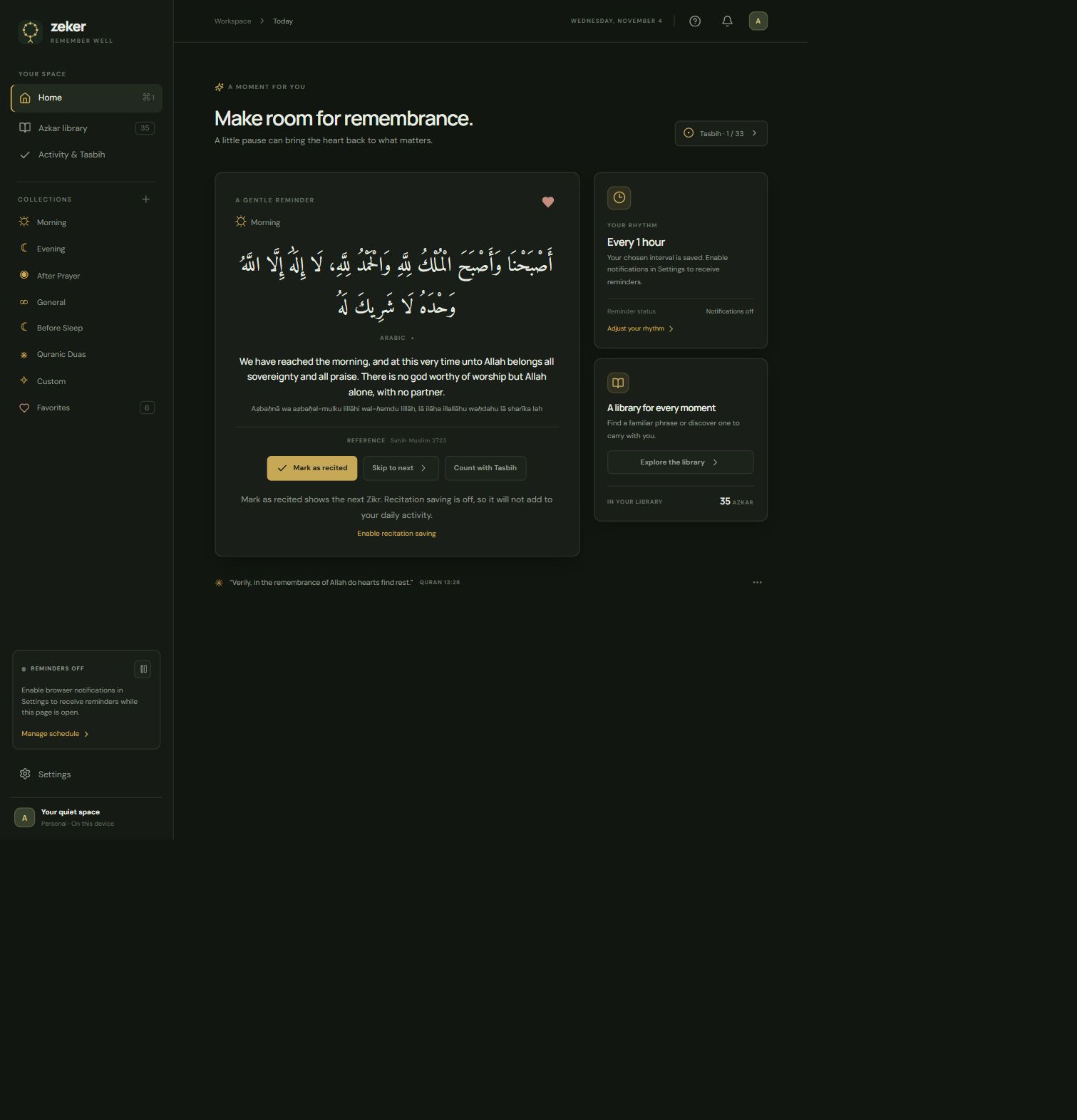
Choose what to read, when to be reminded, and what you’d like to save.
Set your own interval, choose quiet hours, and rotate through your library or just your favorites.
Browse morning, evening, after-prayer, and other collections. Read in Arabic with optional English translation and transliteration.
Add your own Azkar and keep favorites close. An optional account syncs your personal library and shared preferences across devices.
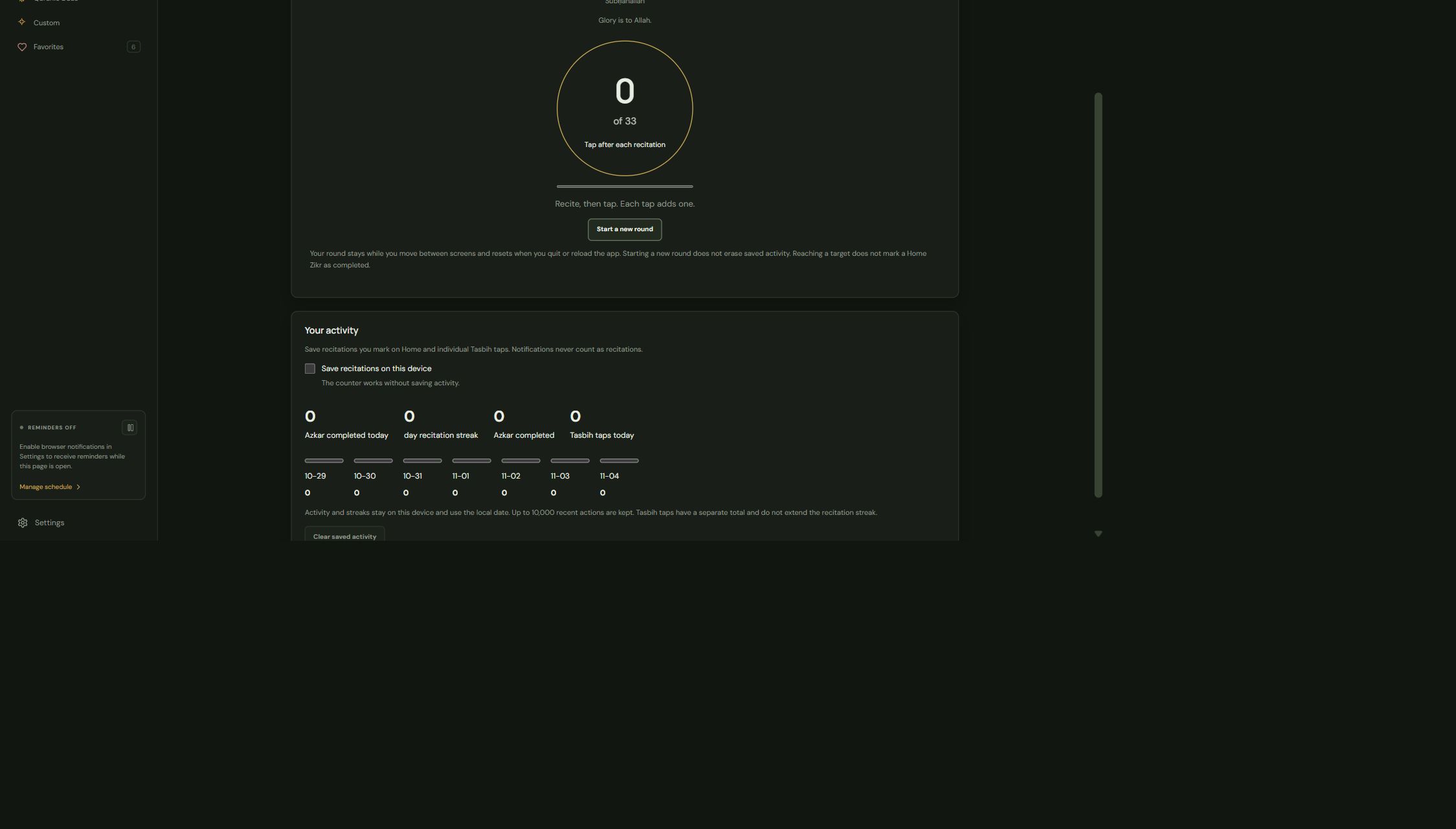
Choose a Zikr and a target, then tap once after each repetition. You can return to the same round as you move between screens.
Saving recitation activity is optional and stays on this device.
Install Zeker for reminders while it runs in the background, or use the web version without installing anything.
64-bit desktop installer
Apple Silicon and Intel
Open Zeker in your browser.
No. You can read Azkar, use Tasbih, and set reminders without signing in. Sign in if you want to sync supported preferences, favorites, and personal Azkar.
The desktop app stays in the tray or menu bar when you close its window. Choose Quit Zeker to stop it. Browser reminders need notification permission and an open page; background tabs may delay them.
The counter works with activity saving off. If you turn saving on, Tasbih taps and explicitly completed recitations are counted separately and saved on this device.